Connect Telegram.
Receive your alerts in your conversation with the Telegram bot.
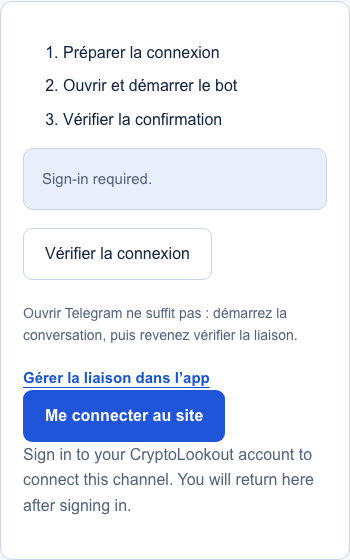
- Prepare the connection
- Open and start the bot
- Check the confirmation
Checking your connection…
The connection is confirmed. You can choose this channel for your next alert.
Create an alert with TelegramOpening Telegram is not enough: start the conversation, then return to check the connection.
Manage my Telegram connectionConnect and verify Telegram
- Sign in to CryptoLookout.
- Select Connect Telegram, then open the prepared Telegram link.
- Start the CryptoLookout bot using that link. Return here and verify the connection status.
- Select Telegram in your alert’s destinations. A connection check is not a market-triggered alert.
If the connection does not complete
Use the most recent connection link. Make sure the bot is not blocked and that you started it in the intended Telegram account. If the link expired, prepare another one. A connected destination does not mean the market condition is already met.
Need help? contact@cryptolookout.app